
AI Photo Extender
Extend Any Photo Without Cropping
Upload a photo, pick a new size, and AI extends the background naturally. Free to try, no sign up.
or drop up to 50 files
By uploading a file, you agree to our Terms of Use and Privacy Policy.
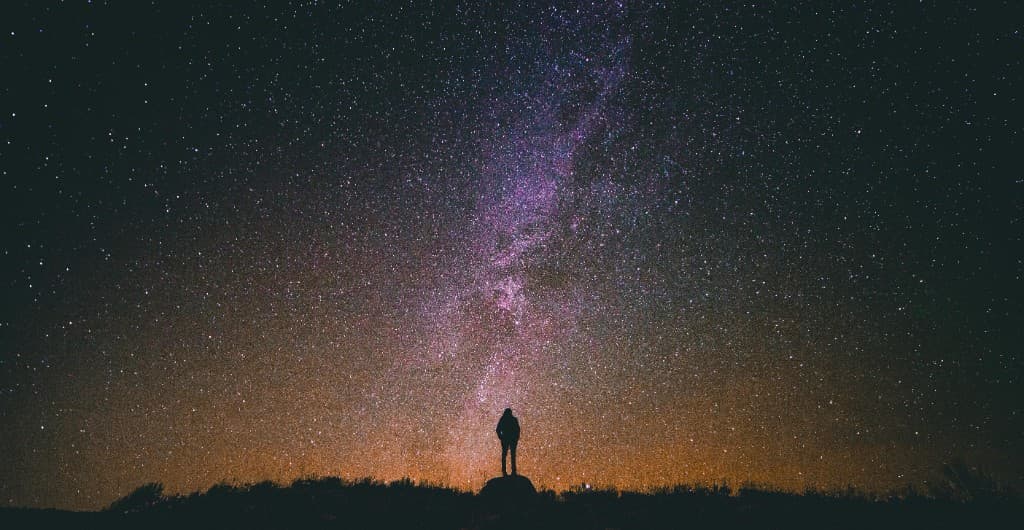
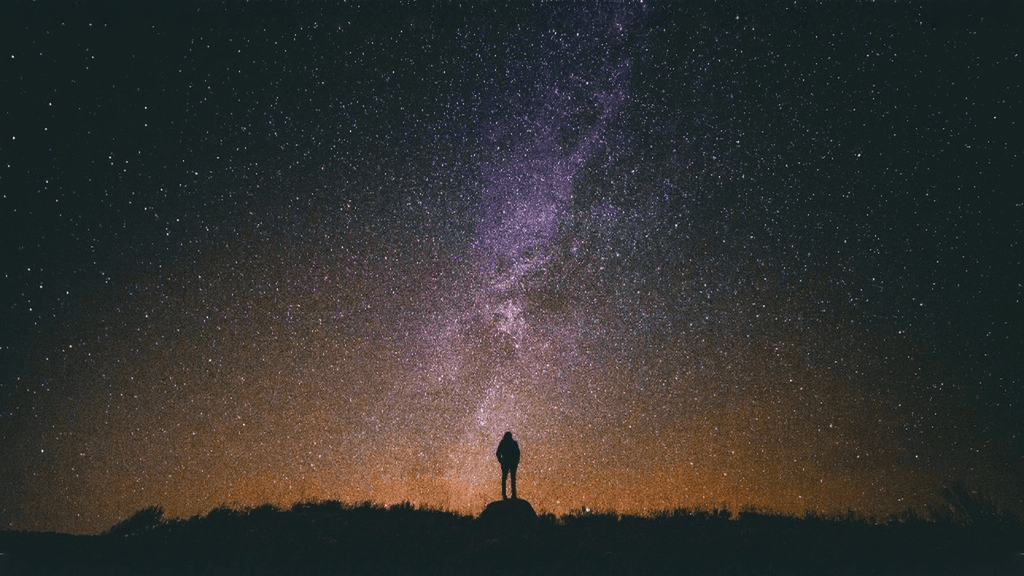
How to use AI image extender
What you can do with an AI photo extender
Portrait photo → 16:9 landscape
Widen a vertical phone photo for YouTube thumbnails, website banners, or presentation slides without cutting off the head or feet.
Landscape photo → 9:16 story
Add sky and ground above and below a wide shot so it fills a TikTok, Reels, or Instagram Story frame instead of showing black bars.
Tight crop → square 1:1
Give a tightly framed product or profile photo extra breathing room for Instagram posts, marketplace listings, and avatars.
Old or scanned photos
Rebuild missing edges on a scanned print so it fits a modern frame size, then sharpen it with the free AI image enhancer.
Extend vs crop vs stretch
Changing a photo's shape always means adding or removing pixels. An AI photo extender is the only option that adds content instead of throwing it away. Read the full breakdown in AI image extender vs crop vs resize.
| Method | Keeps the subject | How it fills the frame | Best for |
|---|---|---|---|
| AI photo extender | Yes | Yes – new matching pixels | Changing aspect ratio without losing content |
| Crop | Often cuts it | Yes – by removing pixels | When there is spare space to discard |
| Stretch / resize | Distorted | Yes – by warping | Almost never for photos |
| Blur or color padding | Yes | Visible bars | Quick fixes where looks matter less |
Free photo extender, simple pricing
Try your first extension free with no account. When you need a clean, full-resolution file, pay $1.99 for a single watermark-free export, grab 20 credits for $7.99 that never expire, or go Pro for 200 generations a month and batch processing. See all pricing.
AI photo extender FAQ
What is an AI photo extender?
An AI photo extender adds new pixels around the edges of a photo so it fits a wider, taller, or square frame. The AI studies the lighting, colors, and textures already in the picture and continues the scene, a technique also called outpainting or uncropping.
Is this AI photo extender free?
Yes, you can try it free. Visitors in the US, UK, Canada, and Australia get a free extension without creating an account; everywhere else a free account includes trial generations. Free downloads carry a small watermark. A single HD watermark-free export costs $1.99, with no subscription required.
Do I need to sign up to extend a photo?
No sign up is needed for your first free extension in supported regions. Just upload a photo, choose a ratio, and generate. You only need an account if you want more generations or to manage purchases.
What is the difference between a photo extender, image extender, and picture expander?
They are different names for the same thing. "Photo extender", "image extender", "picture extender", and "image expander" all describe AI tools that enlarge the canvas and fill the new area with content that matches the original.
Which aspect ratios can I extend a photo to?
You can extend photos to 16:9 (YouTube, desktop banners), 9:16 (TikTok, Reels, Stories), 1:1 (Instagram, marketplaces), 4:3, and 3:4.
Will the AI change the person or product in my photo?
The original photo is kept as the center of the new frame and the AI only generates the added border area. Always review the edges for small mismatches, especially around text, logos, and hands, before publishing.
What file types and sizes are supported?
Upload JPG, PNG, or WebP photos up to 10 MB. Results download as high-resolution images ready for social, web, or print layouts.