
Blog
Best AI Image Extenders Compared
AI image extenders solve the same basic problem in very different workflows. This guide compares 10 options by documented features, platform, access model, and use case so you can build a shortlist without relying on unexplained scores or claims of hands-on testing that was not performed.
Disclosure and scope
This article is published by AI Image Extender, which is included in the list. It is an editorial comparison based on each vendor's publicly documented features and positioning, checked August 18, 2026. It is not a controlled image-quality benchmark, and list order is not a performance score. Pricing, free limits, and features can change, so confirm them on the linked official product pages before buying.
Quick answer
The best AI image extender depends on workflow: AI Image Extender suits fast browser-based reframing; Photoshop provides layered editing; Photoroom focuses on product images; Canva fits template-led marketing; Picsart supports mobile-first creation; Fotor offers a simple browser workflow; and getimg.ai adds prompt-guided control. Check current access limits before choosing.
How to evaluate an AI image extender
The right tool depends less on raw AI novelty and more on workflow fit. For most teams, the real questions are: how quickly can you get from upload to usable asset, how much control do you need, and whether the tool matches the rest of your creative stack.
This comparison uses only criteria visible in official product documentation: platform, intended workflow, aspect-ratio or canvas controls, prompt control, and publicly described access. It does not assign image-quality scores because output varies by source image, requested expansion, and model updates.
Comparison table
Use this as a fast shortlist before reading the detailed notes below.
| Tool | Best for | Platform | Strength | Tradeoff |
|---|---|---|---|---|
| AI Image Extender | Fast no-sign-up image expansion | Web, mobile | Simple workflow, free tries, aspect ratio presets | Less granular than full design suites |
| Adobe Firefly | Photoshop users | Web, desktop | Strong pro workflow and layer-based editing | Best value if you already use Adobe tools |
| Photoroom | Product photos | Web, mobile | Commerce-focused editing and background cleanup | Less flexible for artistic scene building |
| Picsart | Mobile-first creators | Web, mobile | Accessible and quick for social content | Power users may want more control |
| Canva Magic Expand | Marketing teams already in Canva | Web, mobile | Fast inside a broader design workflow | Not as precise as dedicated image tools |
| Fotor | Beginners | Web | Low-friction interface | Fewer advanced controls |
| getimg.ai | Prompt-guided outpainting | Web | More creative direction with prompts | Requires a bit more prompting skill |
| ExtendImage | Quick browser adjustments | Web | Fast, lightweight image expansion workflow | Fewer advanced controls |
| PicSo | Individuals and solo creators | Web | Simple workflow for individual use cases | Limited feature depth |
| Nano Banana Image Extender | Creative experimentation | Web | Interesting creative expansion results | Less predictable output and a higher cost profile |
AI Image Extender
Best for fast image expansion without sign-up friction
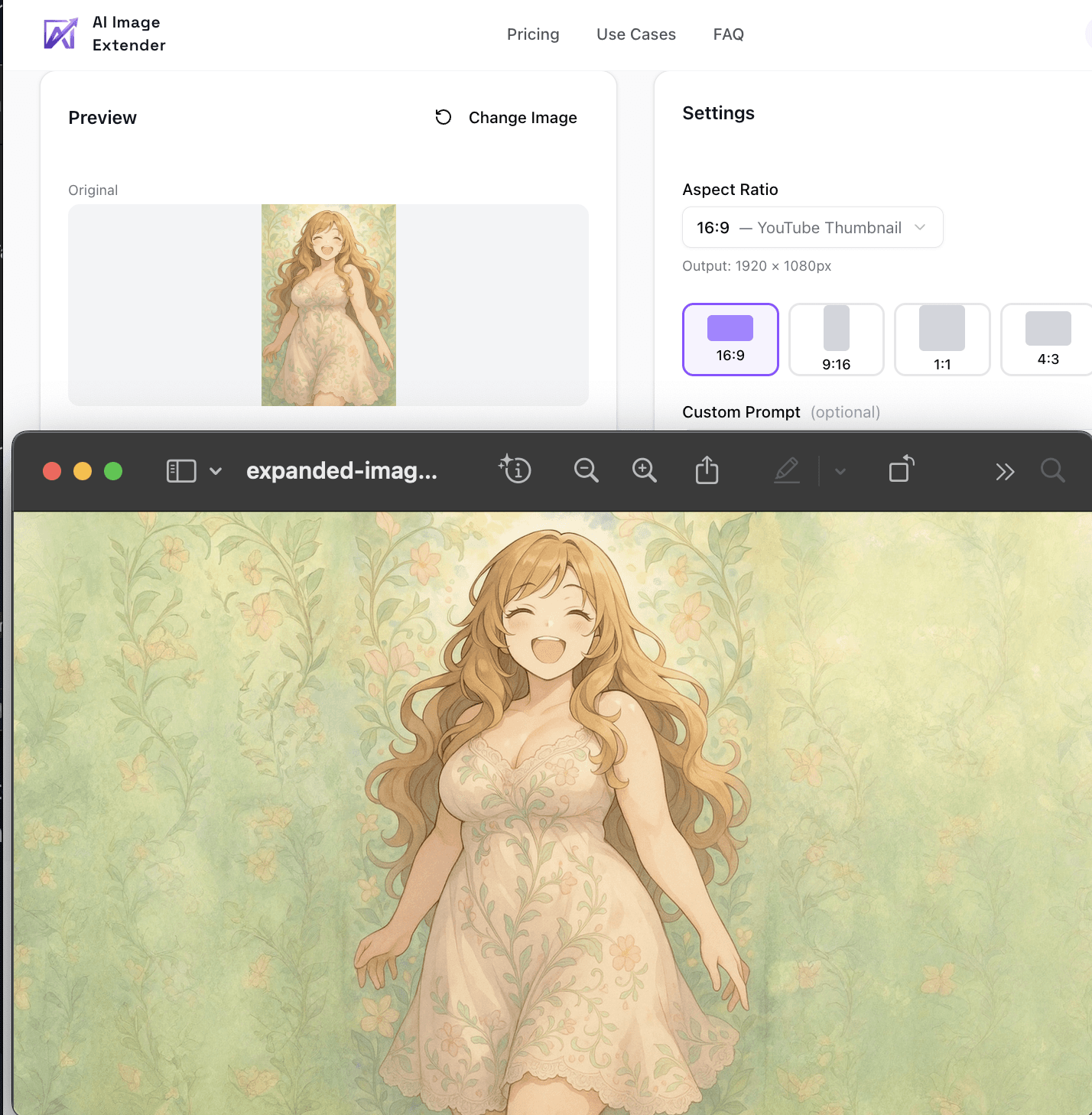
AI Image Extender is the best fit for users who want to upload, expand, and download without learning a larger design platform first. The workflow is intentionally narrow on both web and mobile: pick a ratio or direction, generate, and move on.
Best for: Blog banners, social crops, ecommerce images, and quick creative resizing when speed matters more than deep retouching, whether you are on desktop or mobile.
Strengths
- No-sign-up entry point lowers friction for first-time users
- Free tries make it easy to test the output before committing
- Aspect ratio presets match common social and content formats
Tradeoff: If you need layered composition, masking, or detailed prompt control, a full creative suite will give you more room.
Adobe Firefly
Best for Photoshop-centric design teams
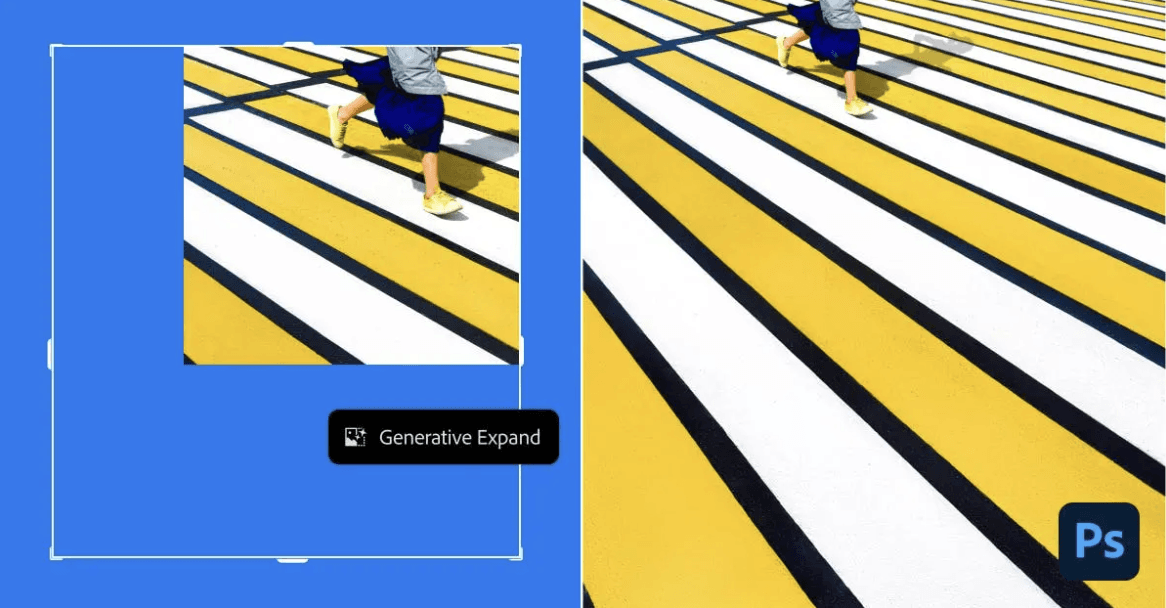
Adobe Firefly is the strongest option for teams already working in Photoshop. Generative expand fits naturally into a professional editing workflow, especially when the image needs follow-up masking, retouching, and layout work.
Best for: Designers, agencies, and in-house creative teams that already live inside Adobe.
Strengths
- Fits into an established Photoshop workflow
- Useful when expansion is one step in a larger edit
- Better match for layered, iterative design work
Tradeoff: Photoshop's single-app plan runs about $22.99/month — roughly $275/year — which is hard to justify if you only need quick uncrop-style edits in a browser.
Photoroom
Best for product photos and marketplace listings
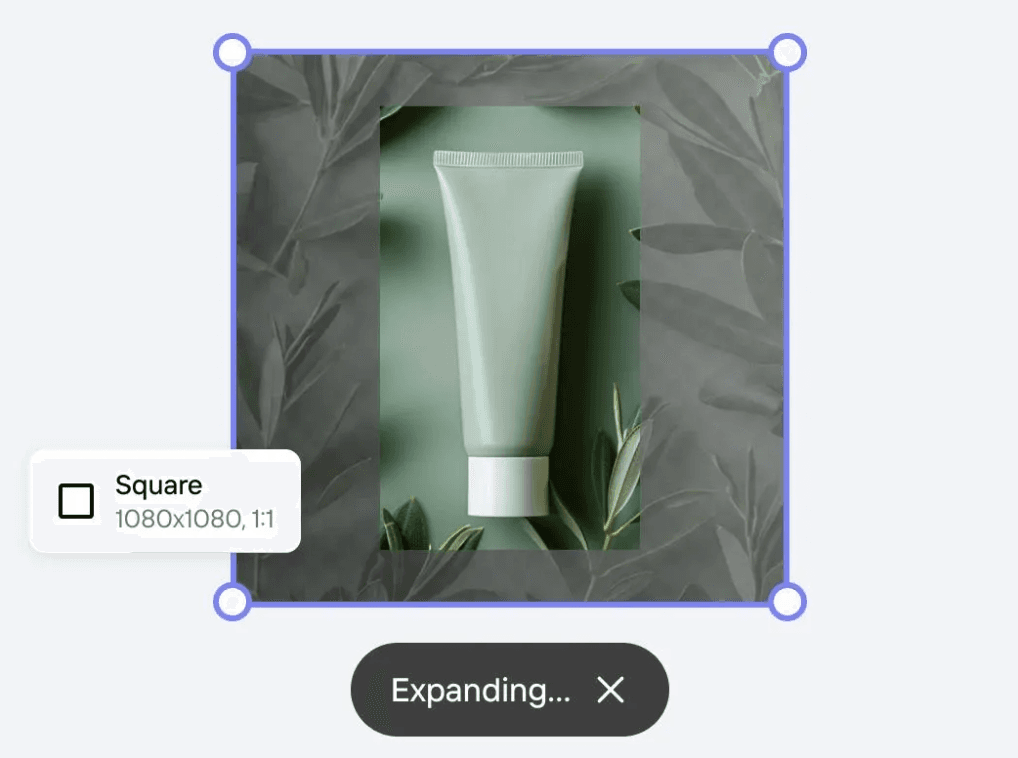
Photoroom is built around commerce workflows, which makes its image expansion especially relevant for product shots, catalog updates, and ad creative that needs more breathing room.
Best for: Sellers, small ecommerce teams, and product marketers.
Strengths
- Product-photo workflow is clearer than general-purpose editors
- Pairs well with background cleanup and marketplace asset work
- Good fit when you need repeatable image prep for listings
Tradeoff: It is less compelling for editorial art direction or complex scene composition.
Picsart
Best for mobile-first creators
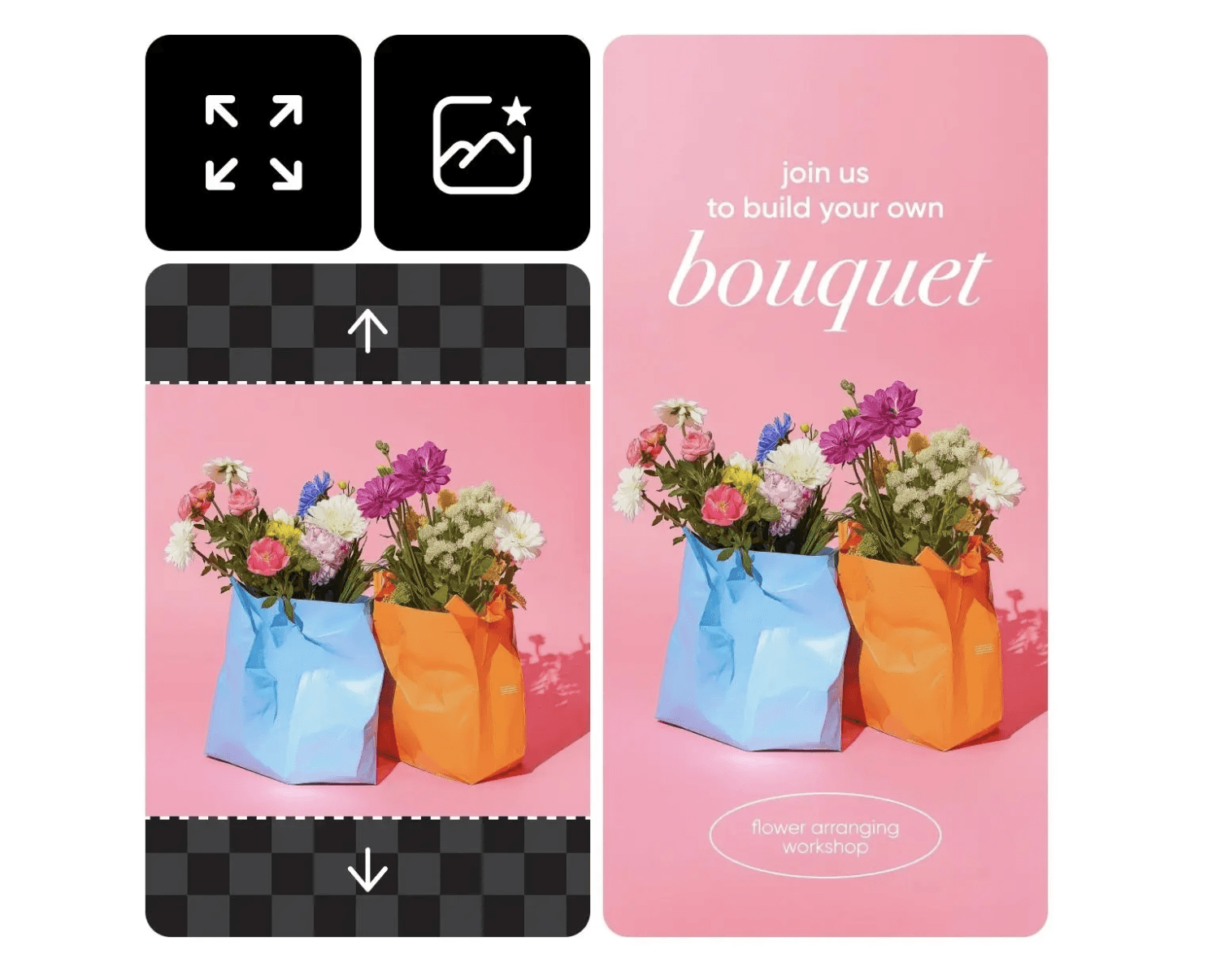
Picsart is a practical choice when the image workflow starts on a phone. It is optimized for creators who need to adapt visuals quickly for social formats without opening heavier desktop tools.
Best for: Creators posting to TikTok, Instagram, and similar channels from mobile.
Strengths
- Accessible mobile workflow
- Simple for casual social resizing and reframing
- Good for quick turnarounds
Tradeoff: Advanced users will eventually run into precision limits.
Canva Magic Expand
Best for teams already designing in Canva
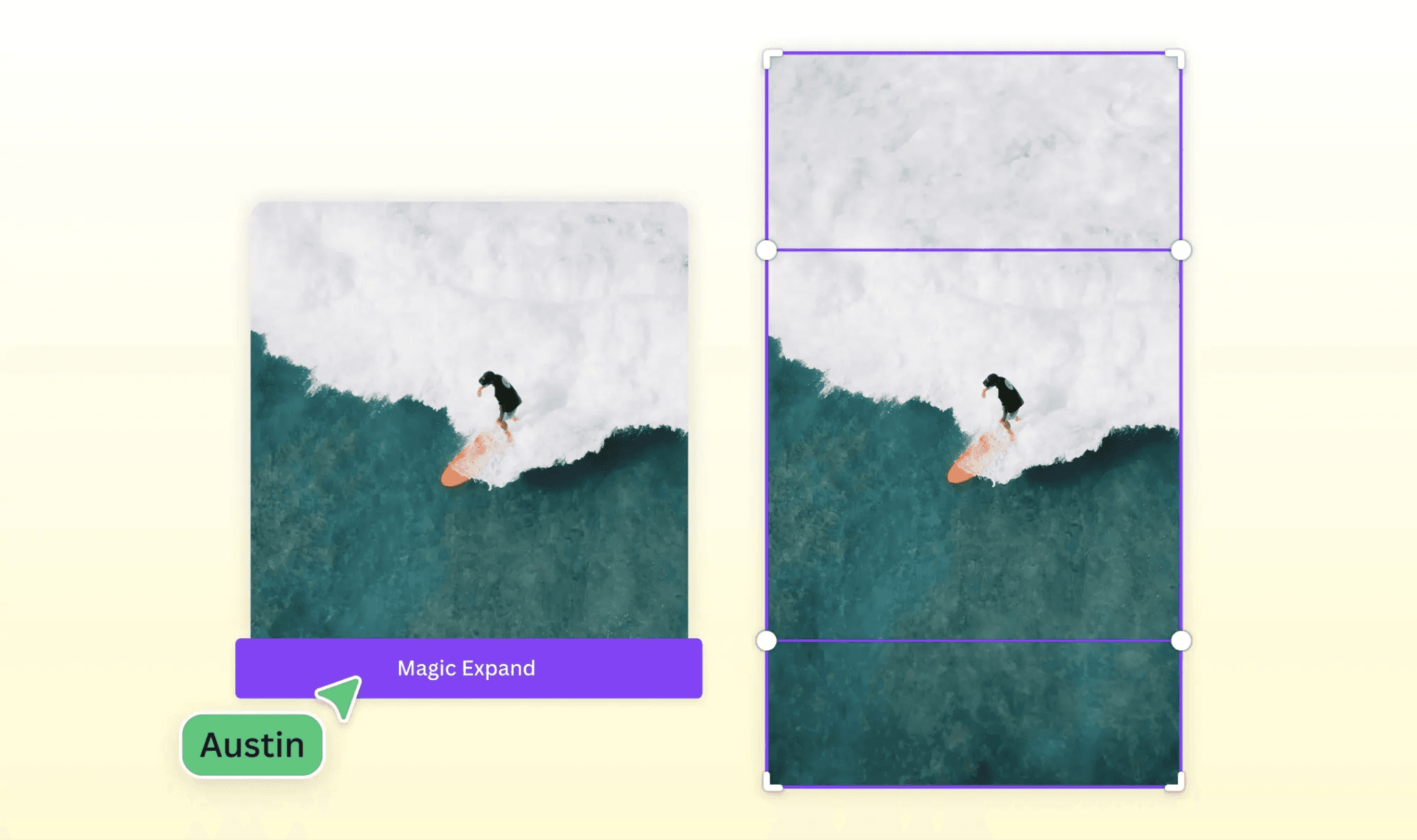
Magic Expand makes sense when the real job is not only extending the image, but also dropping it into a presentation, ad, email header, or blog graphic in the same session.
Best for: Marketing teams, founders, and non-designers already using Canva templates.
Strengths
- Fastest option if Canva is already the content workspace
- Convenient for social, slides, and campaign assets
- Easy handoff for non-technical collaborators
Tradeoff: Dedicated image tools still offer more precision and control.
Fotor
Best for beginners who want a simple web interface
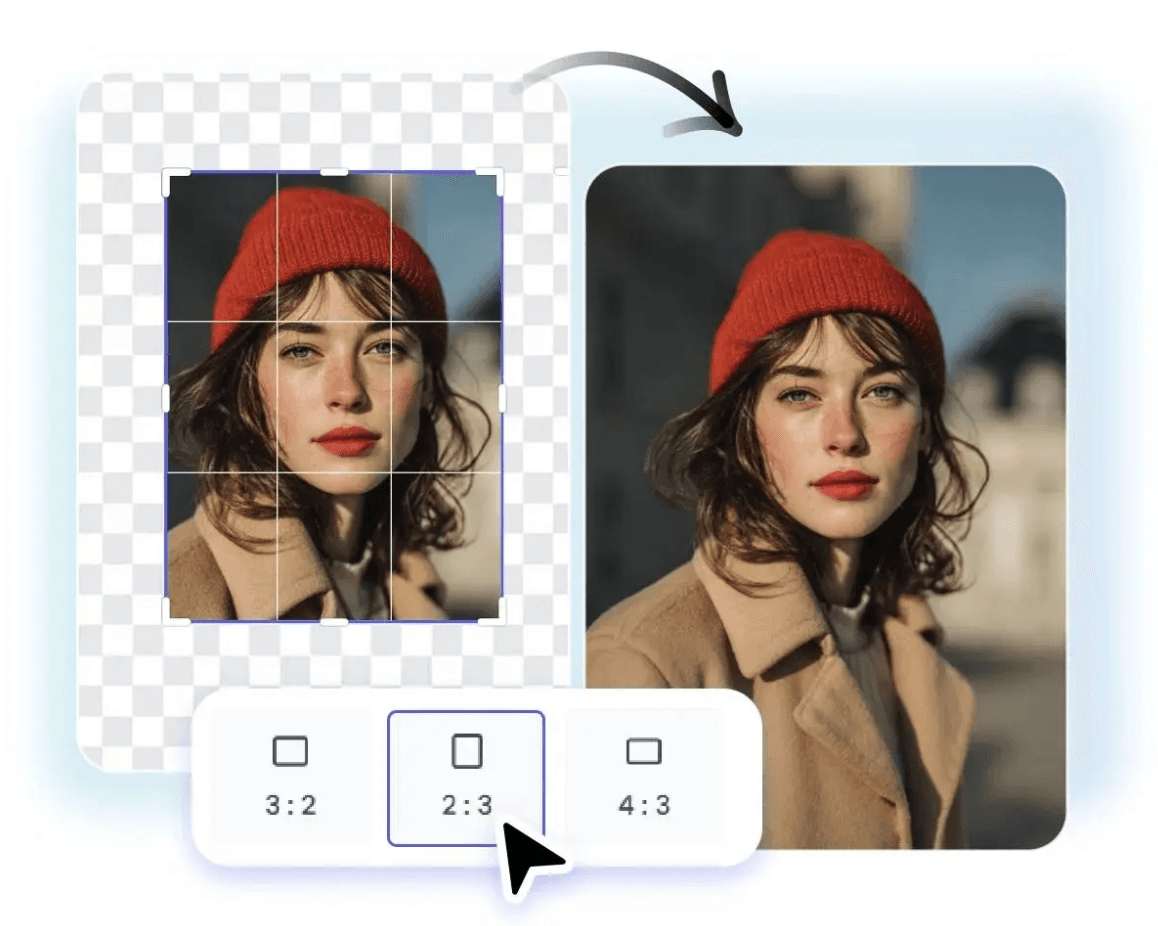
Fotor keeps the workflow straightforward. If the main requirement is to extend an image in a browser with minimal setup, it remains a reasonable entry point.
Best for: First-time users and lightweight one-off edits.
Strengths
- Easy to understand interface
- Low setup overhead
- Works for quick experiments before committing to a more advanced tool
Tradeoff: It is not the best fit for advanced creative control or repeated production workflows.
getimg.ai
Best for prompt-guided outpainting

getimg.ai is appealing when you want the model to follow more explicit creative direction. Prompt-guided outpainting gives you more say over what the new image area should contain.
Best for: Users comfortable writing prompts and iterating on generated visuals.
Strengths
- More creative control through prompting
- Useful for stylized or concept-driven image expansion
- Stronger fit for experimentation than template-led tools
Tradeoff: The workflow is less beginner-friendly than simple ratio-based extenders.
ExtendImage
Best for quick browser adjustments
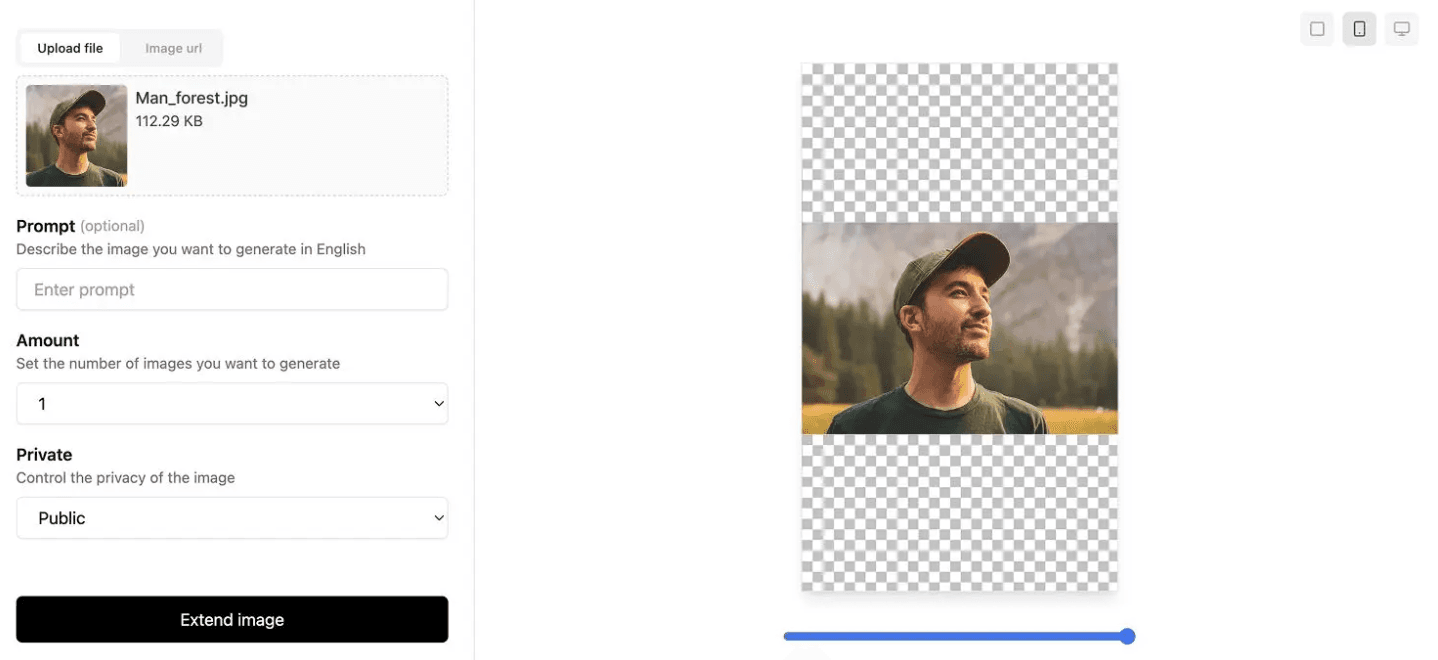
ExtendImage is a lighter browser option for people who mainly want to expand an image quickly without stepping into a broader design suite.
Best for: Users who value speed and a minimal interface for one-off edits.
Strengths
- Fast, lightweight workflow
- Useful for quick aspect-ratio adjustments
- Easy to understand without much setup
Tradeoff: You give up some fine-grained control compared with larger creative tools.
PicSo
Best for individuals and solo creators
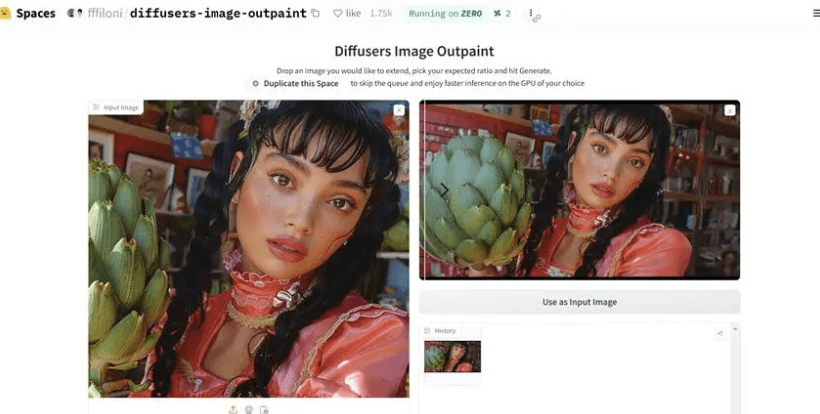
PicSo is aimed more at individual creators than bigger team workflows. It works best when the goal is to extend a single image quickly without the overhead of a full design suite.
Best for: Bloggers, casual creators, and solo operators.
Strengths
- Simple workflow for solo use cases
- Low barrier to entry
- Practical for quick creative experiments
Tradeoff: It does not offer as much depth as more established editors.
Nano Banana Image Extender
Best for creative experimentation

Nano Banana is more interesting when you want unusual or more stylized outputs. It is less about the safest production workflow and more about stretching the image into something more inventive.
Best for: Experimental creators and users exploring less conventional results.
Strengths
- Distinctive creative results
- Useful for experimentation and concept exploration
- Can produce more surprising compositions than safer tools
Tradeoff: Output is less predictable, and it may not be the most efficient choice for production work.
Which AI image extender should you choose?
If your priority is a focused browser workflow without opening a larger design suite, AI Image Extender is the direct option in this list and includes common aspect-ratio presets.
If your team already works in Photoshop, its Generative Expand feature keeps the task inside a layered editor. Photoroom documents a product-photo focus; Canva connects expansion to template-led design; Picsart offers web and mobile creation; and getimg.ai documents both ratio-based outpainting and prompting. Those workflow differences are more useful than a universal winner.
Official sources and related guides
Product facts were checked against the official pages linked in each tool entry, including Adobe's documentation for Generative Expand. For practical workflows, read how to extend an image to 16:9 without cropping, prepare product photos for Amazon and Shopify.
Frequently asked questions
What is an AI image extender?
An AI image extender expands a photo beyond its original borders by generating new pixels that match the image context. It is often used to turn one image into multiple aspect ratios without cropping away important content.
Is AI image extender the same as outpainting?
In most product interfaces, yes. Outpainting, uncropping, and image expansion usually describe the same idea: extending the canvas while AI fills in the missing area.
Which tool is best for ecommerce product photos?
Photoroom is the clearest fit for ecommerce product photos in this list because its workflow is oriented toward listings, marketplace assets, and repeatable product-image preparation.
Can these tools preserve text and logos?
They can help, but text and logos are still common failure points for generative image tools. If the image contains important packaging text or branded marks, expect to review the result manually before publishing.
Should I choose a specialized image extender or a larger design suite?
Choose a specialized tool if your main goal is speed and simple resizing. Choose a larger suite if image expansion is only one step in a broader design workflow that includes retouching, compositing, branding, or collaborative layout work.
Want the fastest way to expand an image?
Try AI Image Extender to expand photos for blog headers, product images, and social formats without a complicated setup.