
Expand your photos with the
AI image extender
This completely free AI image extender lets you see beyond what the lens captured — no sign up required for your first expansions. Effortlessly extend your photos online using generative AI, and never sacrifice quality or composition when resizing for any platform or aspect ratio.
or drop up to 50 files
By uploading a file, you agree to our Terms of Use and Privacy Policy.

Why People Switch
You do not need more editing tools. You need the right answer faster.
Most people come looking for an AI image extender when cropping no longer works, resizing looks wrong, and a full design suite feels too slow for what should be a quick adjustment.
The usual problem
Cropping fixes the size but ruins the composition
Most teams do not actually want to remove part of the image. They just need more space for a new format, whether that means a blog banner, a vertical social post, or a marketplace thumbnail.
The heavy alternative
Full design suites are overkill for quick expansion work
Photoshop and larger design tools make sense when you need layered retouching. If the real job is just to extend an image fast, they add friction that most creators and operators do not need.
What this tool is for
AI Image Extender is built for speed on web and mobile
Upload an image, choose the direction or ratio, and generate a usable result without setting up a larger workflow first. It is designed for fast turnarounds across desktop and mobile.
Make The Choice Faster
Choose AI Image Extender when speed and clean output matter more than editing overhead.
If you need deep retouching, use a full creative suite. If you need to expand an image quickly, preserve the subject, and move into the next format without a long workflow, this is the better tool.
You need one image to fit several formats without awkward crops.
You want a lighter workflow than Canva or Photoshop for simple expansion.
You need to move quickly on web or mobile, not wait for a full design pass.
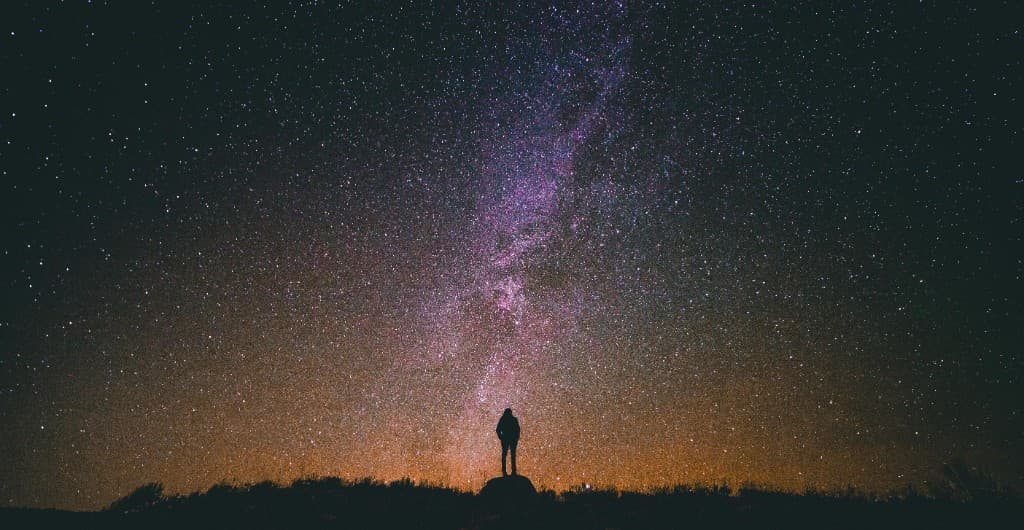
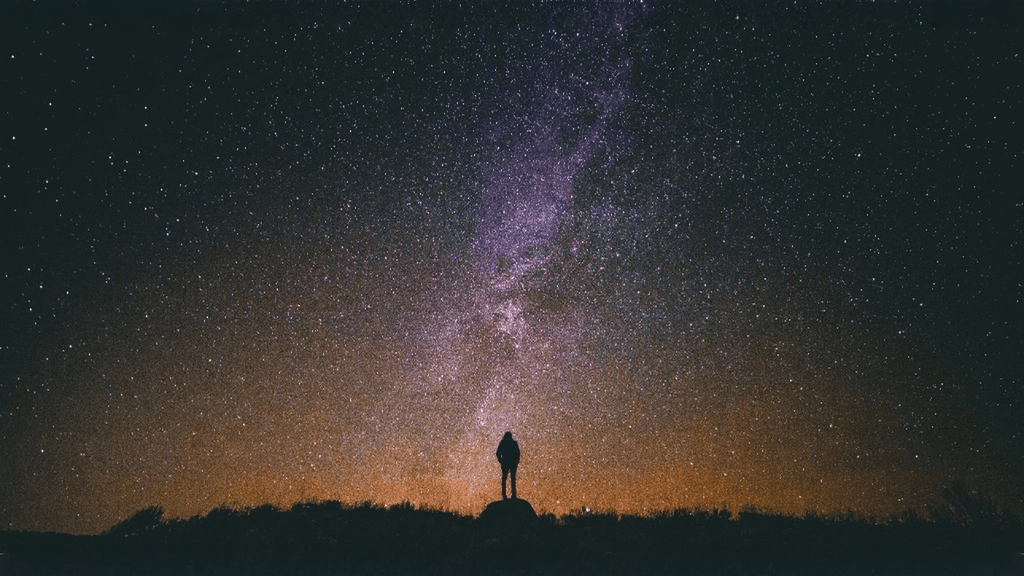
How to use AI image extender
Expand your profile picture with AI
Transform a simple headshot into a polished image in seconds. The AI image extender adds natural background details, smooths edges, and creates extra space around your photo. The result is a professional and adaptable profile picture that looks great everywhere — from social media feeds to business profiles.


More than an AI image extender
Premium subscribers can expand up to 50 images in a single batch — no more processing them one by one. Upload your entire photo set, choose your target aspect ratio, and let AI handle the rest simultaneously.
Whether you are a content creator repurposing a shoot for multiple platforms, a designer preparing campaign assets, or a photographer delivering client galleries, batch expansion saves hours of manual work and keeps output consistent at scale.
Perfect for every social media platform
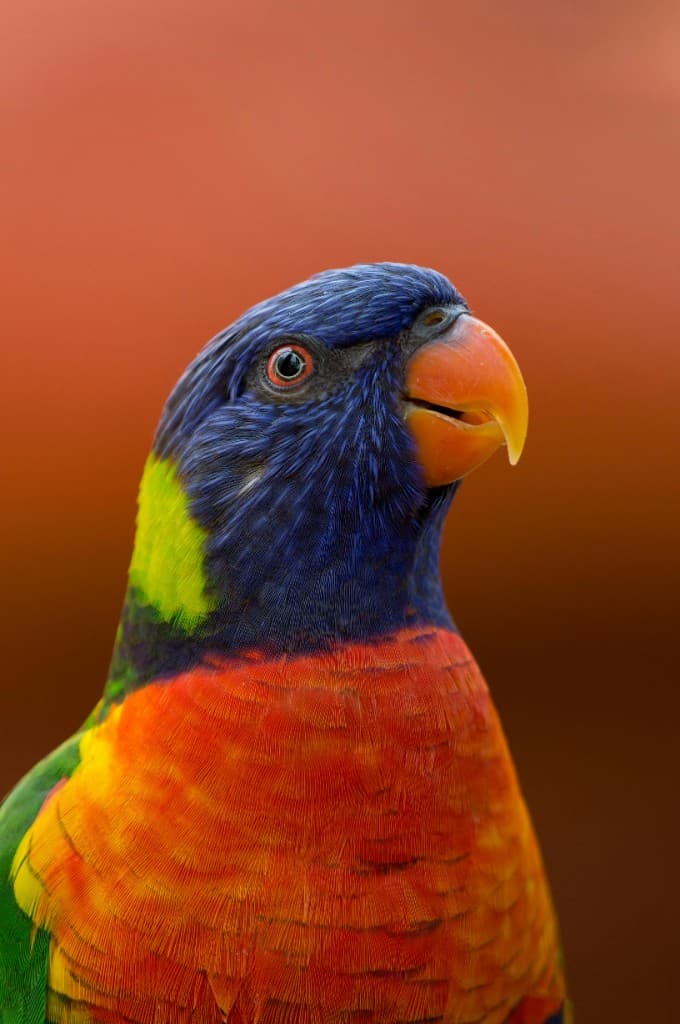
Create content optimized for any platform. Unlike a basic light image resizer, our AI image extender intelligently generates new pixels rather than just cropping or stretching. Expand to 9:16 for TikTok and Instagram Reels, 16:9 for YouTube thumbnails, or 1:1 for Instagram posts — maintaining quality and context throughout.
Clear pricing for every workflow
Compare monthly and yearly plans, then choose Premium or Pro based on your volume and batch-processing needs.
Frequently Asked Questions
Everything you need to know about our AI image extender
Still have questions about the AI image extender?
Contact our support team →